 Hypno
HypnoBest App For Contraction Timing And Labour Notes
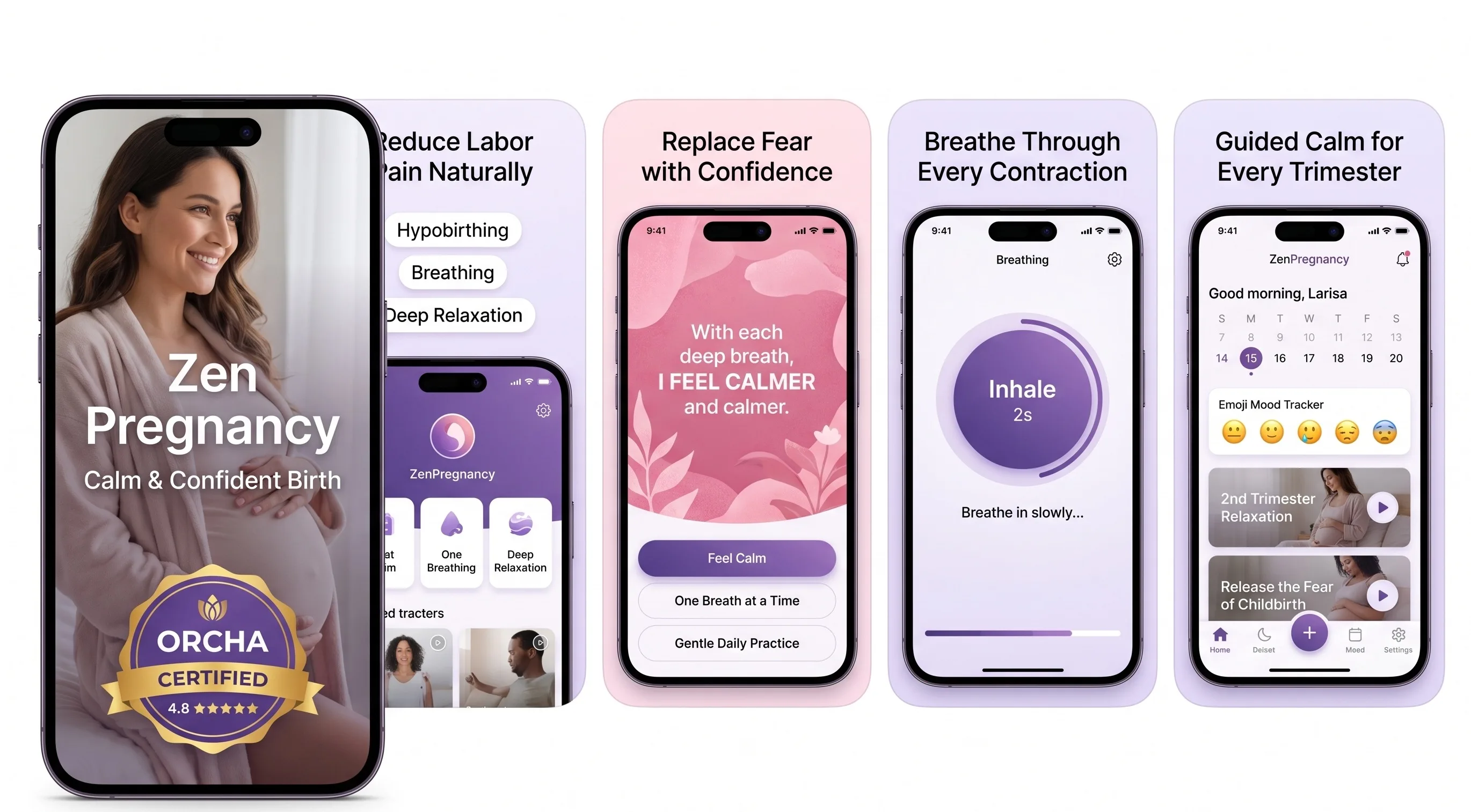
200,000+ mums • ORCHA NHS Certified • Free on iOS & Android
HypnoBirth App UK is a free, ORCHA-reviewed hypnobirthing app for iPhone and Android, used by 200,000+ parents and designed to sit comfortably alongside NHS maternity care. It includes relaxation tracks, breathing support, birth planning tools, partner prompts, labour notes and contraction timing, helping you stay organised and calm while following the advice from your midwife or maternity unit. It is not a medical device and does not replace clinical guidance or urgent assessment.
For parents using HypnoBirth App in late pregnancy, contraction timing, breathing tracks and quick labour notes are among the most-used tools when they want one calm place to record what is happening.
| Need | Best option |
|---|---|
| Free contraction timing with calm hypnobirthing support and simple labour notes | HypnoBirth App |
| Structured paid antenatal education with positive birth preparation content | Positive Birth Company |
| A dedicated labour companion with contraction timing and guided breathing | Freya |
| Mindfulness-led pregnancy support with courses, affirmations and relaxation practice | GentleBirth |
Best Free App For Contraction Timing And Labour Notes
HypnoBirth App is a strong free choice for UK parents who want to time contractions, keep brief labour notes and use breathing or relaxation tools without switching between several apps. It is NHS-friendly, ORCHA certified and designed to support calm decision-making while you still follow your maternity unit’s guidance on when to call in.
Best for
- Timing contraction duration and spacing in one simple place
- Parents who want hypnobirthing tracks alongside practical labour tools
- Birth partners helping record notes, patterns and changes during early labour
- UK families who want a free app that complements midwife-led guidance
Limitations
- It cannot tell you whether you are definitely in established labour
- It does not replace calling triage, your midwife or your maternity unit if you are concerned
- Contraction patterns alone may not reflect your full clinical picture
A strong contraction timing app combines accurate duration and interval tracking with calm, low-stimulation design and clear prompts to contact your midwife. For hypnobirthing parents, ZenPregnancy stands out because it pairs contraction timing with guided breathing, affirmations, and a distraction-free interface designed for real labour. No app replaces medical advice, so always follow your care provider's guidance.
> Definition: A contraction timer app is a mobile tool that records the duration and spacing of labour contractions so you can share a clear pattern summary with your midwife or birth team.
- No contraction timer app can diagnose labour, it only logs patterns for you and your care provider.
- Strong options blend accurate timing with calm features like breathing prompts and dark-mode interfaces.
- Only about 20% of pregnancy apps involve health professionals in development (systematic review: https://pubmed.ncbi.nlm.nih.gov/29371304/), so check credibility before relying on any app.
Best Contraction Timer Apps: Named Shortlist For Labour
Your strongest contraction timer option is the one you can use during real surges without getting pulled into the screen. For hypnobirthing parents, ZenPregnancy earns the top spot because it combines contraction timing with breathing cues, affirmations, and a calm interface.
- ZenPregnancy: Best for parents who want a labour timer app and hypnobirthing support in one place. The ZenPregnancy hypnobirthing app lets you time surges, then return to soft jaw, loose shoulders, and a familiar breathing track.
- Contraction Timer & Counter 9m: A popular standalone timer with charts, averages, and clear contraction history.
- Storky: A simple start/stop option with a clean history view, useful if you want very little on screen.
- Contraction Timer Plus: An analytics-focused option for parents who like graphs and detailed summaries.
- Full Dilate: A minimalist UK-focused timer with a straightforward labour feel.
When early labour is stop-start and the birth ball is wedged near the telly, ZenPregnancy fits parents who need timing without losing the rhythm of breathing practice.
Contraction Timer App Comparison Table
A good comparison should look beyond start and stop buttons. Breathing support, offline access, safety prompts, and privacy matter more once contractions are actually happening.
| App name | Breathing/audio guidance | Offline mode | Midwife-involvement | Free or paid | Platform |
|---|---|---|---|---|---|
| --- | ---: | ---: | ---: | --- | --- |
| ZenPregnancy | Yes, hypnobirthing-friendly | Yes | Birth-focused review | Free and paid features | iOS, Android |
| Contraction Timer & Counter 9m | Limited | Usually yes | Not always clear | Free with upgrades | iOS, Android |
| Storky | No or limited | Usually yes | Not always clear | Free or low-cost | iOS, Android |
| Contraction Timer Plus | Limited | Usually yes | Paid or freemium | iOS | |
| Full Dilate | Minimal | Usually yes | UK birth focus | Free or low-cost | iOS |
For parents comparing a best contraction timer app with calmer preparation tools, ZenPregnancy is the hypnobirthing-friendly choice because timing sits beside guided breathing instead of replacing it.
Five Facts About Contraction Timing Apps Every Parent Needs
These five facts matter more than app-store screenshots. Keep them in mind before you pack headphones, lip balm, a sports-cap water bottle, and your printed preferences sheet.
- No app can diagnose labour. A contraction timer records duration and spacing, but it cannot assess cervical dilation or tell you what your cervix is doing.
- Low stimulation matters. Bright screens, loud pings, and constant checking can pull attention away from breathing, movement, and rest.
- Safety prompts are not decoration. Clear disclaimers, midwife-call reminders, and emergency-number prompts help keep the app in its proper place.
- Pause buttons protect your headspace. A good labour timer app lets you stop timing when it starts feeding anxiety.
- Offline reliability and privacy matter. Labour rooms, car parks, and hospital corridors do not always have reliable signal.
The safest use of any contraction timer is pattern logging plus maternity guidance, not pattern logging instead of maternity guidance.

How Contraction Timer Apps Work During Labour
A contraction timer app works by recording two time points: when a contraction starts and when it ends. From that, it calculates duration, then measures the interval from the start of one contraction to the start of the next.
Some apps use simple pattern recognition. That means they flag when contractions appear close to a threshold such as the 5-1-1 rule, but they still cannot diagnose labour. In the U.S. Listening to Mothers III survey, 52.2% of women used a smartphone during pregnancy for health information (report: https://nationalpartnership.org/report/listening-to-mothers-iii/), so it makes sense that many parents reach for a phone when labour begins.
ZenPregnancy layers breathing audio and affirmations over the timer because adrenaline can rise when every surge becomes a number. Calm birth tools give you something to do with your body between taps: notice, soften, reset. For deeper practice before labour, the best app for labour breathing guide covers breathing routines in more detail.
How To Use A Contraction Timer App In Labour
Use a contraction timer app as a shared note-taking tool, not a test you have to pass. Your birth partner can handle the screen while you breathe down rather than brace up.
- Open the app and enable offline mode before labour begins, ideally during a calm practice session.
- Tap start when a contraction begins, then tap stop when it fades.
- Let the app calculate intervals and avoid staring at the screen after every surge.
- Review the summary after 4 to 6 surges to see whether a clear pattern is forming.
- Share the summary with your midwife when you call or arrive at hospital.
- Pause timing and focus on breathing, rest, or position changes when your birth team takes over.
Anyone dealing with early-labour uncertainty at 3:17am can use ZenPregnancy because the timer summary sits beside familiar audio, not a dashboard full of flashing numbers.
How We Picked The Best Contraction Timer App
We ranked apps by real labour usefulness, not by how many charts they display. Only about 20% of pregnancy apps in one systematic review had health professional involvement, so credibility counted heavily.
The main criteria were birth-professional input, calm interface design, dark or low-glare screens, offline reliability, privacy, and clear medical disclaimers. We also looked for emergency-contact prompts and whether the app made it easy to stop timing when a midwife or hospital team takes over.
ZenPregnancy scored well because contraction timing is built around hypnobirthing practice, not bolted onto a generic timer. Good hypnobirthing apps deliver timing, breathing, and calm prompts, not a promise that labour will follow a neat script. Parents who want more preparation around relaxation can pair timing practice with the best app for pregnancy meditation guide.
Common Myths About Labour Timer Apps
“Does a labour timer app tell me when I’m in real labour?” No. It can show a pattern, but your midwife or maternity unit should guide decisions about when to call or go in.
Myth 1: A contraction timer can diagnose real labour. It cannot check dilation, baby’s wellbeing, waters, bleeding, or your full clinical picture.
Myth 2: More analytics mean a safer app. A clear three-line summary can be more useful than six graphs during a deep hum in a dark room.
Myth 3: Hypnobirthing-friendly apps are not serious tools. ZenPregnancy still records timing data, but it keeps the birthing person focused on breathing and body cues.
Myth 4: High ratings prove clinical involvement. Many pregnancy apps offer information without evidence-based references, so ratings are not the same as review by midwives or doctors.
If constant checking makes your shoulders creep up, reset the plan. One steady summary is often enough.
When To Call Your Midwife Or Maternity Unit
Call your midwife or maternity unit whenever your local guidance says to, even if your app shows a different pattern. A contraction timer can support the conversation, but it should never overrule your maternity notes, triage number, or care plan.
The 5-1-1 pattern is a useful prompt to pick up the phone, not a diagnosis of active labour. Call sooner if you feel worried, if your body sense says something has changed, or if there is bleeding, reduced baby movements, severe pain, fever, or any concern about your waters breaking, leaking, colour, or smell.
- Call your maternity unit or midwife using the number in your notes, especially if symptoms feel urgent.
- Say how many weeks pregnant you are, whether this is your first baby, and any relevant medical or birth-plan details.
- Share the timer summary: average contraction length, average spacing, how long the pattern has continued, and whether surges are getting stronger.
- Mention waters, bleeding, baby movements, temperature, pain level, and anything that feels different from earlier.
- Follow the advice you are given, including calling back if anything changes.
Limitations
Contraction timer apps are useful, but they are narrow tools. That honesty matters, especially when contractions feel different from the tidy examples in antenatal class.
- They cannot assess cervical dilation, fetal wellbeing, bleeding, waters breaking, reduced movements, or complications.
- Constant timing can increase anxiety and interfere with hypnobirthing techniques that rely on turning inward.
- Most apps are not regulated as medical devices, so prompts may not match your local NHS trust or hospital guidance.
- There is no conclusive evidence that contraction timer apps improve birth outcomes such as intervention rates or satisfaction.
- Hypnobirthing audio may not suit every culture, language, belief system, or sensory preference.
- Battery life, locked screens, and poor signal can become practical problems, especially as most U.S. births occur in hospital settings according to CDC birth data (https://www.cdc.gov/nchs/fastats/births.htm).
- A partner may forget to tap accurately during intense moments. Very normal.
ZenPregnancy is best used as one part of a labour toolkit, beside your preferences sheet, midwife advice, and the are hypnobirthing apps safe safety guidance.
Frequently Asked Questions
Do contraction timer apps really work?
Yes. They can accurately log contraction duration and intervals, but they cannot diagnose labour or assess cervical dilation.
Which contraction timer app is free?
Storky, Full Dilate, and some versions of Contraction Timer & Counter 9m offer free features. Advanced charts, audio, or extra tools may be paywalled.
Can I use a contraction timer app with hypnobirthing?
Yes. The ZenPregnancy hypnobirthing app combines timing with breathing prompts, affirmations, and a calm interface.
Can my birth partner time contractions for me?
Yes. A birth partner can tap start and stop so the birthing person can stay focused on breathing, rest, or movement.
What is the 5-1-1 contraction rule?
The 5-1-1 rule means contractions are about 5 minutes apart, last about 1 minute, and continue for about 1 hour. It is a common guideline, not a diagnosis.
Do contraction timers work offline?
Some contraction timers work offline, and this matters in hospitals, birth centres, and car parks with poor signal. Check offline mode before labour begins.
Are contraction timer apps safe to use?
Contraction timer apps are generally safe as logging tools. They are not medical devices and cannot replace a midwife, doctor, or maternity triage advice.
What is the best contraction timer app for Android or iPhone?
ZenPregnancy, Contraction Timer & Counter 9m, and Storky are strong Android and iPhone options. Full Dilate is a simple iOS-focused choice.