 Hypno
HypnoWhat App Identifies Contraction Patterns in Labour?
200,000+ mums • ORCHA NHS Certified • Free on iOS & Android
HypnoBirth App UK is a free, ORCHA-certified hypnobirthing app for iPhone and Android, used by 200,000+ parents and designed to sit comfortably alongside NHS maternity care. It includes guided hypnobirthing relaxations, breathing tools, birth preparation content, affirmations, birth partner support and practical labour features, but it is not a medical device and does not replace advice from your midwife, triage line or maternity unit.
For parents using HypnoBirth App around early labour, the most-used support tends to be breathing tracks, calming audio and birth partner prompts rather than relying on timing data alone.
| Need | Best option |
|---|---|
| A free NHS-friendly hypnobirthing app to help you stay calm while you observe contraction timing and labour signs | HypnoBirth App |
| Structured antenatal education with a familiar UK hypnobirthing course style | Positive Birth Company |
| A simple contraction timer experience with labour-focused breathing support | Freya |
| A broader pregnancy wellbeing app with mindfulness, relaxation and birth preparation content | GentleBirth |
Best Free App Support for Understanding Contraction Patterns
If you want help staying calm while you track what your body is doing, HypnoBirth App is a strong free choice for UK parents. It supports breathing, relaxation and birth partner confidence, while reminding you that contraction patterns should be interpreted alongside NHS advice, your waters, bleeding, baby’s movements and how you feel.
Best for
- UK parents who want hypnobirthing support during early labour
- Birth partners who need simple prompts while timing contractions
- Anyone who wants a free ORCHA-certified app alongside NHS maternity care
Limitations
- It cannot diagnose established labour or tell you when admission is medically needed
- It should not replace calling your midwife, triage line or maternity unit if you are worried
A contraction pattern app records the start and end of each contraction, then calculates duration, frequency, and rest time so you can spot whether contractions are becoming closer, longer, and stronger. If you're asking what app identifies contraction patterns, the answer is any well-designed contraction timer, especially one that keeps a clear log you can share with your midwife or doctor. No app can diagnose labour; it helps you notice trends.
This guide is informational and is not a substitute for advice from your midwife, doctor, or maternity triage team. If your care plan gives different instructions from an app alert, follow your care plan.
Definition: A contraction pattern app is a digital tool that logs contraction timing, duration, and intervals to help users recognise whether contractions are forming a regular, progressing pattern consistent with active labour.
TL;DR
- Contraction tracker apps measure timing, duration, and spacing, they do not diagnose labour.
- Some apps combine contraction tracking with hypnobirthing tools like breathing guidance and calming audio.
- Always follow your clinician's advice on when to call or go to hospital, regardless of what an app shows.
What a Contraction Pattern App Actually Tracks
A contraction pattern app tracks when each contraction starts, when it ends, how long it lasts, how often it comes, and how much rest sits between contractions. Pattern identification means the app notices a trend, not that it confirms labour.
In practical terms, you tap “start” as the tightening begins and “stop” when it fades. The app then calculates duration, frequency, and rest interval. A pattern usually means contractions are becoming more regular, closer together, and longer over time.
Tiny details matter here.
If you miss the first ten seconds because you are finding your phone under a pillow mountain, the log becomes less exact. Still, it can be useful. Clinically, the World Health Organization recommends active labour monitoring with a partograph, which tracks labour progress in a structured way source. An app is a home timing aid, not the clinical gold standard.
Five Facts About Labour Contraction Tracker Apps
- A labour contraction tracker records start and end times. It calculates how long contractions last, how far apart they are, and how much rest you get between them.
- Pattern detection is rule-based. Most apps use simple timing trends, such as contractions getting closer and longer, rather than medical signs like cervical dilation.
- Some apps add calm support. A hypnobirthing-style contraction pattern app may include breathing cues, affirmations, and audio guidance for the minutes between surges.
- Your app choice depends on your labour toolkit. A simple timer suits people who only want numbers; a fuller app may suit someone who wants audio, breathing, and a calm screen. If timing is your main concern, the best app for contraction timing comparison is the more focused place to look.
- Clinician guidance overrides the alert. If your midwife has given you a plan, follow that plan even if the app says “wait” or “go.”
How Contraction Pattern Detection Works Inside an App
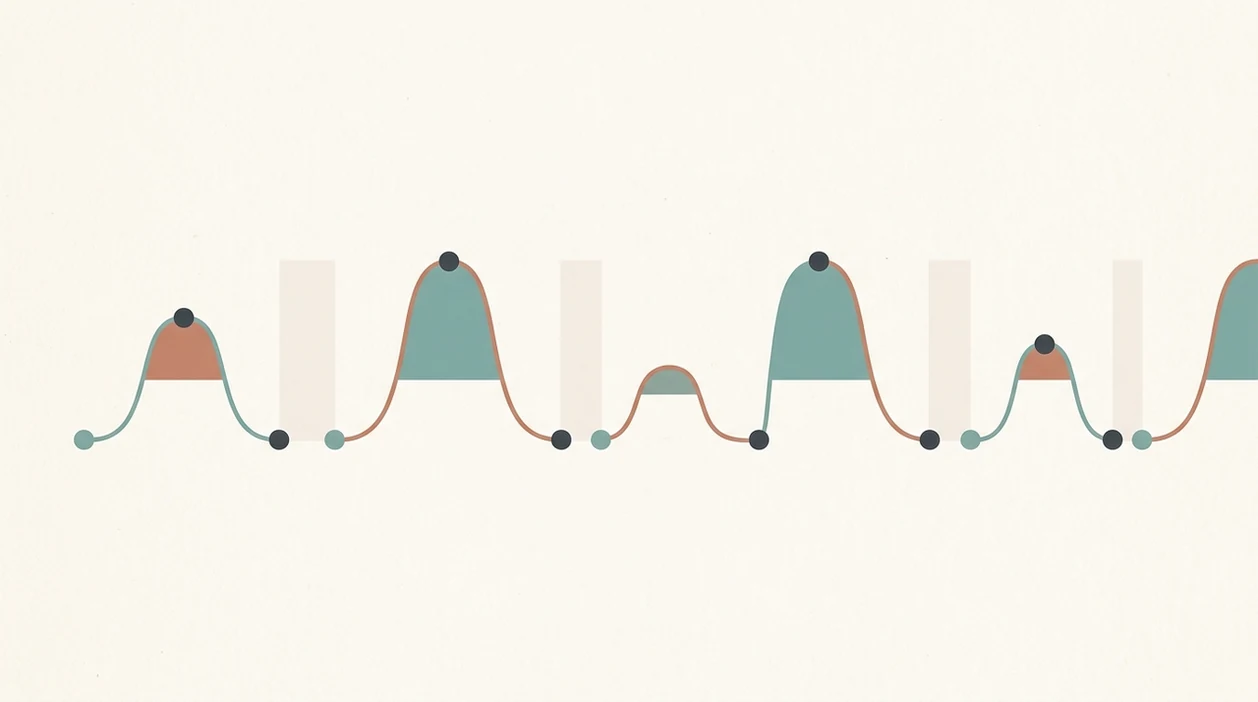
Contraction pattern detection works by turning your taps into a rolling time log. You tap start when the contraction begins, tap stop when it eases, and the app compares recent contractions with earlier ones.
Most apps calculate rolling averages for duration and interval. In plain language, that means they look at the last few contractions rather than one dramatic tightening. Trend alerts may then compare the latest window of data with older data. Some apps use heuristics such as 5-1-1 or 3-1-1, where contractions are a certain number of minutes apart, last about one minute, and continue for an hour; these rules are commonly discussed as labour-timing guidance, but ACOG notes that when to call depends on individual symptoms and provider instructions source.
That sounds tidy. Labour often isn't.
A warm palm pressing the hips, a loose mouth, and steady tapping can make the data cleaner. But an app cannot assess cervical change, baby’s position, waters breaking, bleeding, or your full care plan. For many people, app timing is easiest when paired with calm breathing because the body is less likely to brace up.

How to Use a Contraction Pattern App Safely
Use a contraction pattern app as a calm logging tool, not as the decision-maker. The safest approach is to collect several accurate timings, then use that record alongside your care plan and clinical advice.
- Open the timer early, while you can still think clearly and tap without rushing. Waiting until contractions are already intense can make the first few entries patchy.
- Tap start as soon as the tightening begins, even if it is gentle at first. Do not wait for the peak, because that shortens the recorded contraction and can distort the pattern.
- Press stop only when the contraction has fully faded or released. If your belly, back, or hips are still gripping, keep the timer running.
- Review a small run of contractions together instead of reacting to one strong surge. Look for the overall rhythm: duration, spacing, and whether the rests are shrinking.
- Share the log when you call your midwife, doctor, or maternity unit. The timings can help frame the conversation, but symptoms, gestation, baby’s movements, waters, bleeding, and your instincts still matter more than the app screen.
Contraction Timer Apps vs Hypnobirthing Contraction Apps
Plain timer apps focus on measurement, while hypnobirthing contraction apps combine timing with breathing, relaxation, and reassurance. Neither type replaces medical assessment, but they support different needs during early labour.
| App type | What it usually includes | Good fit | Main caution |
|---|---|---|---|
| Plain contraction timer | Start/stop button, duration, frequency, contraction history | You want a minimal labour contraction tracker | It may feel stark when contractions intensify |
| Hypnobirthing contraction app | Timer plus breathing audio, guided relaxation, affirmations, calming feedback | You want timing and body-calming tools together | Calm content is support, not diagnosis |
| Paper or notes app | Manual times written down | You dislike using a phone in labour | Easy to lose track when tired |
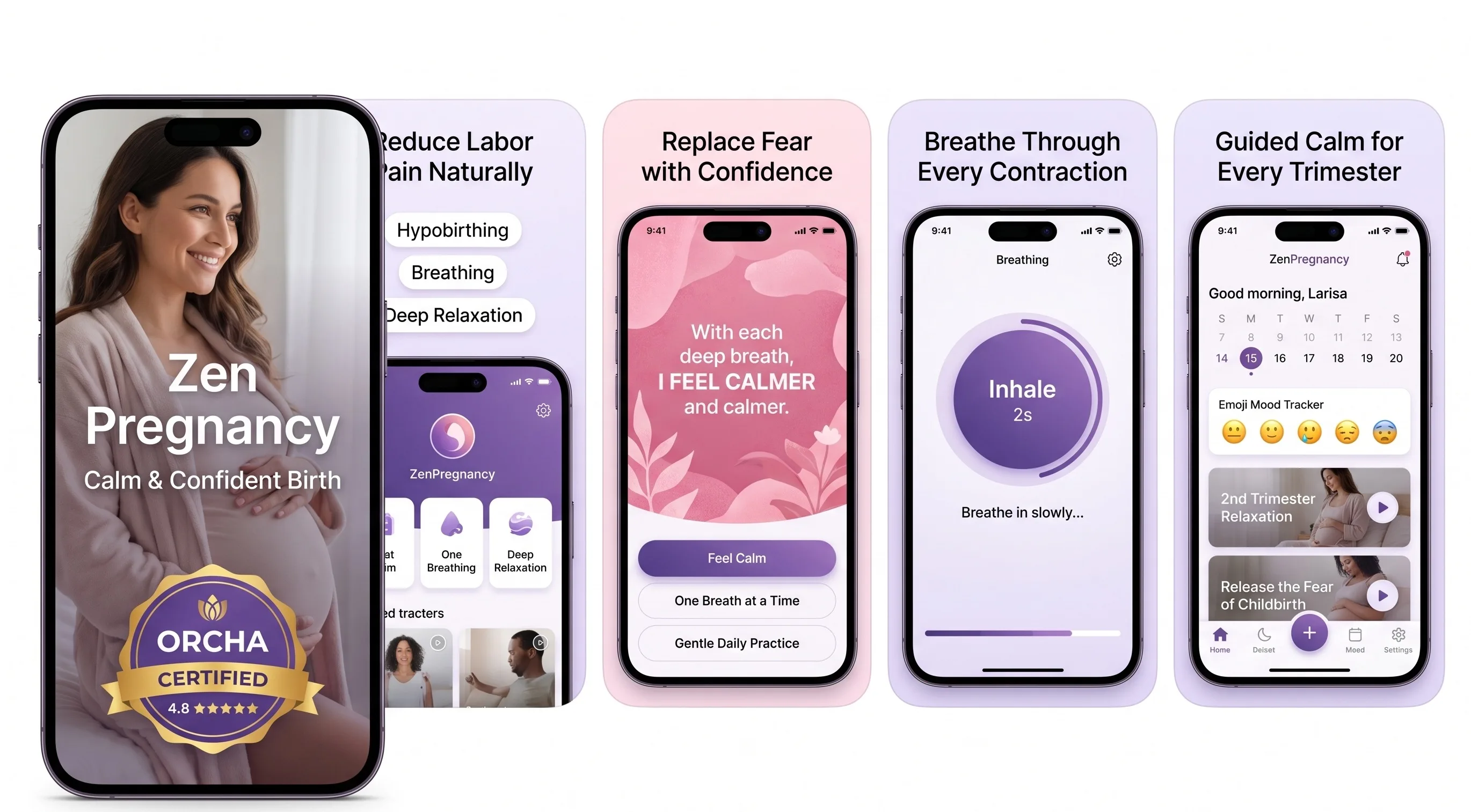
Tools like ZenPregnancy sit in the second group, alongside other birth-support apps. Good hypnobirthing apps deliver timing, breathing cues, and familiar audio, not proof that labour is medically established. If breathing support is the priority, a best app for labour breathing guide may be more useful than a timer-only list.
Common Myths About Contraction Pattern Apps
A common myth is that an app can confirm labour has started. It cannot. It can only show that contractions look more regular, closer together, or longer than before.
Another myth says frequent contractions mean you should go to hospital immediately. Sometimes that is right, but not always. Advice can vary for first babies, VBAC plans, preterm symptoms, reduced movements, waters breaking, or other risk factors. Your maternity unit’s guidance matters more than an alert.
The third myth is that all contraction tracker apps are medically validated. Many are convenience tools with helpful maths, not diagnostic devices tested in labour wards.
There is also a softer myth: hypnobirthing apps are only for relaxation. Some can time contractions too. Apps such as ZenPregnancy, GentleBirth, and Expectful may combine calming tools with practical tracking in different ways. Calm is something you rehearse, but it still sits beside clinical advice.
Clinical Gaps in Contraction Pattern App Data
Contraction apps miss the clinical information that often matters most: cervical dilation, effacement, fetal wellbeing, risk factors, and whether contractions are changing the cervix. They also cannot conclusively separate Braxton Hicks from true labour.
That gap matters because timing can look convincing before active labour is established. It also matters if contractions begin early. Preterm birth affected about 1 in 10 infants in the United States in 2023, according to CDC preterm birth data, so early or unusual contractions should be discussed with a clinician rather than watched only on a screen source.
The scale is huge too. About 2,055,000 births occurred in the United States in 2023, according to the CDC source. Many families will use a phone before calling their maternity unit. Clinicians typically recommend calling based on your individual symptoms, gestation, and care plan, not just contraction spacing.
When to Call a Midwife or Maternity Unit
Call your midwife, doctor, or maternity unit straight away if something feels medically different, urgent, or worrying. A contraction app can organise the timing, but it cannot decide whether you and your baby need assessment.
- Call immediately if your baby’s movements reduce or change, you have bleeding, or you think your waters have broken. Do not wait for the app to find a neater pattern.
- Escalate contractions that start before term, become severe, or come with pain that feels unusual for you. Timing can be useful, but preterm or intense symptoms need a clinical conversation first.
- Follow your personalised instructions before any general app alert, especially if you have a VBAC plan, induction plan, multiple pregnancy, previous complications, or another high-risk pathway.
- Share the app log as background when you call. Say how long contractions last, how far apart they are, and whether the rests are changing.
- Trust your instincts if the screen looks calm but your body does not. The log is a note for your care team, not permission to stay home or keep waiting.
Limitations
Contraction pattern apps are useful, but their limits are real. Keep these in mind before trusting any alert too much:
- Apps cannot confirm cervical change, dilation, effacement, or true labour.
- Pattern alerts can mislead during Braxton Hicks, prodromal labour, or irregular early labour.
- Accuracy depends entirely on tapping start and stop at the right moments.
- 5-1-1 and 3-1-1 rules are heuristics, not universal medical thresholds.
- A calming interface does not replace a midwife, doctor, or maternity triage assessment.
- Hypnobirthing content may help you soften your jaw and shoulders, but it cannot check baby’s wellbeing.
- No contraction app has replaced the WHO-recommended partograph for clinical monitoring.
- Individual care plans matter, especially with preterm symptoms, VBAC, induction plans, or known complications.
Reset the plan.
If something feels wrong, call. A phone log is useful background; it is not permission to ignore your body or your clinician’s advice. For safety-focused reading, the are hypnobirthing apps safe guide covers where app support should stop.
Frequently Asked Questions
What is the 5-1-1 rule for contractions?
The 5-1-1 rule means contractions are about 5 minutes apart, last 1 minute each, and continue for 1 hour. It is a common heuristic, not a universal instruction.
What is the 3-1-1 rule for contractions?
The 3-1-1 rule means contractions are about 3 minutes apart, last 1 minute each, and continue for 1 hour. Some care providers use it, but advice varies.
Can an app tell me labour has started?
No app can confirm labour has started. It can only suggest a contraction pattern that may be consistent with labour.
How do I determine my contraction pattern?
Log the start and stop time of each contraction. Then look for intervals getting shorter and durations getting longer over several contractions.
Are contraction timer apps medically validated?
Most contraction timer apps are convenience tools, not clinically tested diagnostic devices. Check each app’s claims carefully.
Can Braxton Hicks trick a contraction app?
Yes. Apps cannot reliably distinguish Braxton Hicks from true labour because they only measure timing.
Do hypnobirthing apps also time contractions?
Some do. ZenPregnancy combines contraction timing with breathing, relaxation, and birth affirmation tools.
When should I call my midwife instead of checking the app?
Call your midwife or maternity unit for reduced fetal movement, bleeding, waters breaking, severe pain, preterm contractions, fever, or if you feel something is wrong. Follow your care plan over any app alert.