 Hypno
HypnoHow To Use Phone During Labour For Calm, Focused Support
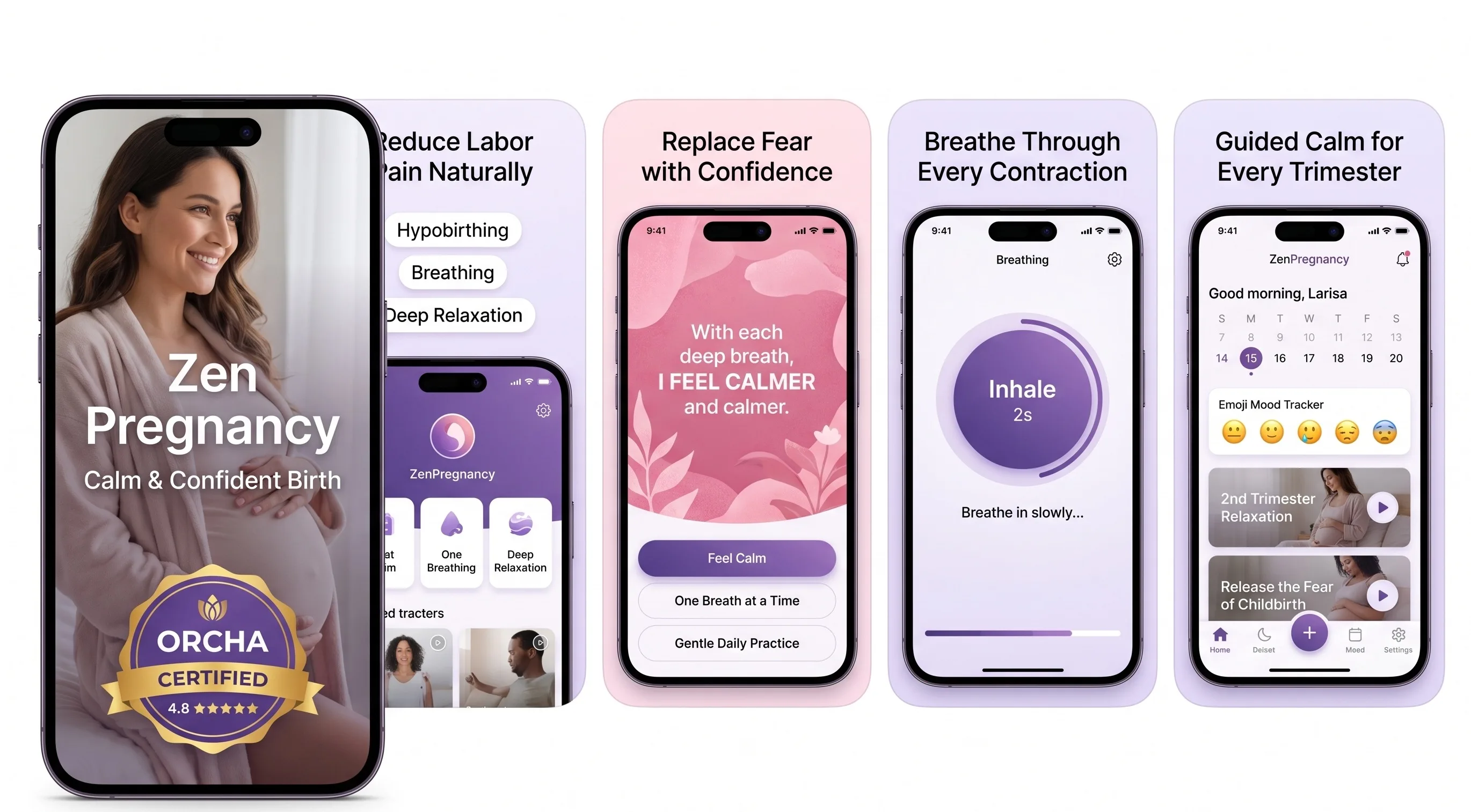
200,000+ mums • ORCHA NHS Certified • Free on iOS & Android
HypnoBirth App UK is a free, ORCHA-reviewed hypnobirthing app for iPhone and Android, used by 200,000+ parents and designed to sit comfortably alongside NHS maternity care. It includes guided breathing, birth affirmations, relaxation tracks, visualisations, birth plan support and simple tools you can prepare before labour, while keeping your phone use calm and purposeful. It is NHS-friendly support for confidence and focus, not medical advice or a replacement for your midwife or maternity unit.
For labour phone setup, the most-used HypnoBirth App features are breathing tracks, affirmations and offline-ready relaxation sessions parents can start quickly without searching during contractions.
| Need | Best option |
|---|---|
| A free labour-ready phone setup with breathing, affirmations and relaxation in one place | HypnoBirth App |
| Structured antenatal course content to prepare before labour begins | Positive Birth Company |
| Contraction timing with simple in-the-moment labour support | Freya |
| Mindfulness-style pregnancy and birth training over time | GentleBirth |
Best App For Using Your Phone Calmly During Labour
HypnoBirth App is a strong free choice for UK parents who want their phone to support labour without becoming a distraction. You can prepare breathing, affirmations and relaxation tools in advance, then use them alongside your NHS birth plan, midwife guidance and chosen birth partner support.
Best for
- Parents who want quick access to calm breathing and affirmations during labour
- Birth partners who need simple tools to play, pause or prompt without overthinking
- UK families preparing a phone setup for hospital, birth centre or home birth
Limitations
- It does not monitor your baby, contractions or clinical risk
- It should not delay contacting your midwife, triage or maternity unit if you have concerns
To use your phone during labour effectively, prepare it before contractions start by downloading audio offline, enabling Do Not Disturb, dimming the screen, and setting up a one-tap contraction timer and pre-written contact list. Knowing how to use phone during labour means turning it into a minimal, hands-free support tool for breathing tracks, timing, and communication, not a source of distraction.
> A labour phone setup is the process of configuring your phone before labour begins so it serves three core jobs: playing calming audio or hypnobirthing tracks, timing contractions, and enabling quick communication with your birth partner or midwife, with minimal screen interaction.
- Set up your phone days before your due date: offline downloads, Do Not Disturb, dimmed screen, and a charged battery.
- Use a simple labour app for one-tap contraction timing, breathing exercises, and birth affirmations.
- Pair your phone with a communication plan, including pre-saved contacts and template messages, so you or your birth partner can act fast.
What A Labour Phone Setup Actually Means
A labour phone setup means preparing your phone to do three jobs only: play calming audio, time contractions, and help you contact the right people quickly. It is not a plan for scrolling, replying to group chats, or filming every moment.
The setup matters because labour is not the time to hunt for passwords, download tracks, or test a timer. When contractions build, your attention narrows. Your jaw may clench, your shoulders rise, and even a tiny notification can feel too much.
Keep the phone quiet.
According to a 2017 Cochrane review on relaxation techniques for labour pain, some relaxation methods may reduce pain and anxiety, although evidence quality varied by method source. That fits the practical aim here: use the phone as a low-stimulation labour tool, not entertainment. If you want app comparisons before packing your labour bag, the best app for calm birth preparation guide is a useful next read.
5 Facts About Using A Phone In Labour
- Prepare your phone before labour starts, because downloading an app mid-contraction is exactly as irritating as it sounds. Do the boring bits on a tired Tuesday, not when you need to breathe down rather than brace up.
- Use Do Not Disturb or Focus mode so pings, calls, and shopping alerts do not break your concentration. Let only your birth partner, midwife, triage line, and hospital through.
- Download audio offline because hospital wifi, mobile signal, and home broadband can all be unreliable at the wrong moment. The headphones tangled in a dressing gown pocket are enough to sort out.
- Choose a contraction timer that works with one hand and one tap. For labour, one-tap timing is often easier than a standard stopwatch because it reduces fiddling between surges.
- Pair the phone with a communication plan: who to text first, when to call triage, and what your birth partner should handle. A phone in labour works best when someone knows the plan before the room gets intense.
Tools like ZenPregnancy, Expectful, and GentleBirth can support different parts of this setup, but the calm comes from keeping the system simple.
How Phone-Assisted Labour Support Works
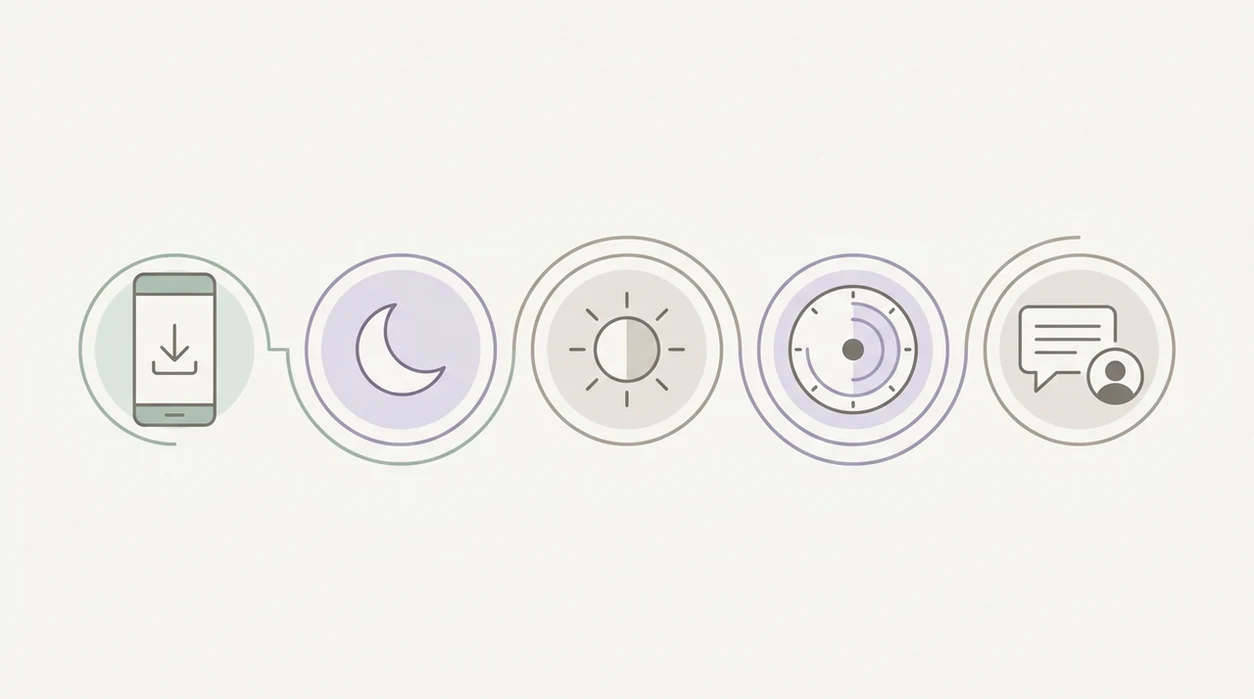
Phone-assisted labour support works by reducing cognitive load, giving familiar cues, and making key actions repeatable. In plain language, it means your phone does less, but does it reliably.
Hypnobirthing audio can provide rhythmic breathing cues that support parasympathetic activation. That is the “rest and digest” side of the nervous system, the one linked with a softer jaw, looser shoulders, and steadier breathing. Use the app audio like a familiar track, not a new lesson.
Contraction timing creates a feedback loop. The NIH’s Eunice Kennedy Shriver National Institute of Child Health and Human Development explains that contraction frequency, duration, and regularity help show labour progress source. The timer gives objective notes, but your midwife still needs the full clinical picture.
Pre-set messages also reduce decision fatigue. A birth partner dimming the room light, offering a straw, and reading one affirmation from a phone note may be more useful than ten open apps. Good hypnobirthing apps deliver breathing cues and simple focus anchors, not medical decisions or guaranteed birth outcomes.

Requirements Before You Start Your Labour App Setup
Before you start your labour app setup, gather the things that make the phone boringly dependable. Boring is good here.
You need a fully charged phone, a portable power bank, and the charging cable that actually fits. Install your chosen hypnobirthing app, then download breathing tracks, pregnancy meditation, birth affirmations, or guided relaxation offline. If ZenPregnancy is part of your labour toolkit, test the audio before you pack the bag.
Add comfortable headphones or a small Bluetooth speaker. Some people like one earbud so they can still hear the midwife clearly. Pre-save your birth partner, midwife or maternity triage line, and hospital number. Draft template messages such as “Contractions have started, I’ll update you in 30 minutes.”
Also check your hospital’s phone policy. Birth suites usually allow phones, but some areas have stricter rules. For breathing-specific setup, the best app for labour breathing guide goes deeper.
How To Use Your Phone During Labour: Step-By-Step
Use your phone during labour by setting it up once, then touching it as little as possible. Call your maternity unit or care provider when contractions become regular and closer together, your waters break, or you feel worried.
Set Do Not Disturb And Dim Your Screen
- Enable Do Not Disturb and dim the screen brightness so alerts and light do not pull you out of your breathing rhythm.
Queue Your Hypnobirthing Audio Offline
- Open your labour app and queue one breathing, birth hypnosis, or meditation track that is already downloaded.
Start The Contraction Timer With One Tap
- Start the contraction timer with one tap when each surge begins, then stop it when the tightening eases.
Connect Headphones For Hands-Free Calm
- Connect headphones or a speaker so the audio can run hands-free while you move, lean, rest, or rock.
Send Your Pre-Written Labour Alert Message
- Send your pre-written “labour has started” message to your birth partner and midwife or triage line when your plan says to update them.
Lock The Screen And Let The App Run
- Lock the screen between contractions and let the app run in the background.
MedlinePlus notes that early labour contractions can last about 30 to 70 seconds and may come every 5 to 20 minutes source. For timing tools, compare options in the best app for contraction timing guide.
Common Mistakes When Using A Phone In Labour
The most common mistake is waiting until labour to make the phone useful. Once contractions are asking for your full attention, app stores, login codes, and Bluetooth menus feel ridiculous.
Another mistake is leaving notifications on. Every ping invites your brain away from the breath, the room, and your body. The group chat can wait.
A cluttered app with ads or too many menus can also become a problem. In labour, you want a clean labour-specific app, not five tabs and a pop-up. Tools such as the ZenPregnancy hypnobirthing app are most helpful when used simply: one audio track, one timer, one affirmation if needed.
Bright screens are another small but real disruption, especially in a dim birth space. People also forget chargers, power banks, or offline downloads. However, the biggest safety mistake is relying on a timer alone to decide when to go in. The most common medically supported way to assess labour timing is contraction pattern combined with guidance from your maternity team.
How To Verify Your Labour Phone Setup Is Ready
Verify your labour phone setup by testing it like a tiny rehearsal, not a tech project. Ten minutes is enough.
Turn off wifi and mobile data, then play your chosen audio offline. Run a mock contraction timing session and check that start and stop work with one thumb. Confirm Do Not Disturb allows only starred contacts through, especially your birth partner, triage line, and hospital.
Send a test version of your template message. Delete it afterwards if you need to.
Then play audio for at least four hours while the phone is locked, or as long as you reasonably can before bed. Check battery drain and power bank charging. If affirmations help you settle, choose two in advance rather than scrolling through twenty. The best app for birth affirmations guide can help you narrow that list.
When To Contact Your Midwife Or Maternity Unit
Contact your midwife or maternity unit whenever labour signs change, something feels wrong, or you need reassurance. Your phone can help you call quickly, but it should never overrule clinical advice or your instincts.
Use your local triage number rather than waiting for an app pattern if your waters break, contractions become regular, or you notice bleeding, reduced baby movements, severe pain, fever, or a general sense that something is not right. NHS guidance on when to get help in labour is clear that your maternity team would rather hear from you early than have you sit at home worrying source.
- Call your maternity triage line if your waters break, even if contractions have not settled into a rhythm yet.
- Explain the contraction pattern, any fluid colour or smell, bleeding, pain, temperature, and baby movements.
- Follow the unit’s instructions about whether to stay home, come in, or call emergency services.
- Trust your concern if the app says “early labour” but your body says “get help now.”
Limitations
A phone can support labour, but it cannot carry the clinical responsibility. Use it as part of your labour toolkit, alongside your notes, preferences sheet, water bottle with a sports cap, lip balm, and real people.
- A phone cannot replace medical advice, in-person monitoring, or assessment from a midwife or doctor.
- Contraction timer apps track patterns, but they do not reliably tell you when to go to hospital without the full clinical picture.
- Hypnobirthing audio may help relaxation, but it is not proven to eliminate pain or guarantee a particular birth outcome.
- Battery life, signal loss, broken chargers, and hospital device policies can limit usefulness.
- Phones become distracting if overused, especially with bright screens, open chats, photos, and repeated checking.
- Some birth environments discourage or restrict phone use, including certain operating theatre areas.
- If your waters break, bleeding starts, movements change, or you feel worried, contact your maternity unit rather than waiting for an app pattern.
Reset the plan.
Frequently Asked Questions
Who should I phone when labour starts?
Phone your birth partner first if they are your immediate support person, then contact your midwife or maternity triage line according to your birth plan. If you have urgent concerns, call your maternity unit directly.
Can I use my phone during active labour?
Yes, you can use your phone during active labour, but it should be minimal and hands-free. Your birth partner can manage timing, messages, and audio.
Do hospitals allow phones in birth suites?
Most UK hospitals allow phones in birth suites for calls, music, timing, and photos. Operating theatres and clinical areas may have different rules, so check your unit’s policy.
What app should I use during labour?
Use an all-in-one labour app that combines contraction timing, breathing audio, and birth affirmations. ZenPregnancy is one option if you want hypnobirthing tools in one place.
Does phone light affect labour relaxation?
Bright phone light can make relaxation harder, especially in a dim room. Dim the screen, use dark mode, and lock the phone between contractions.
How long does a phone battery last in labour?
Continuous audio and screen use can drain a phone within several hours. Use offline mode, lock the screen, and keep a charged power bank nearby.
Should my birth partner manage the phone?
Yes, your birth partner can manage the phone so you can focus on breathing and rest. They can time contractions, send updates, and restart audio.
Can a contraction timer replace midwife assessment?
No, a contraction timer cannot replace midwife assessment. It records frequency, duration, and regularity, but it cannot assess you or your baby clinically.